

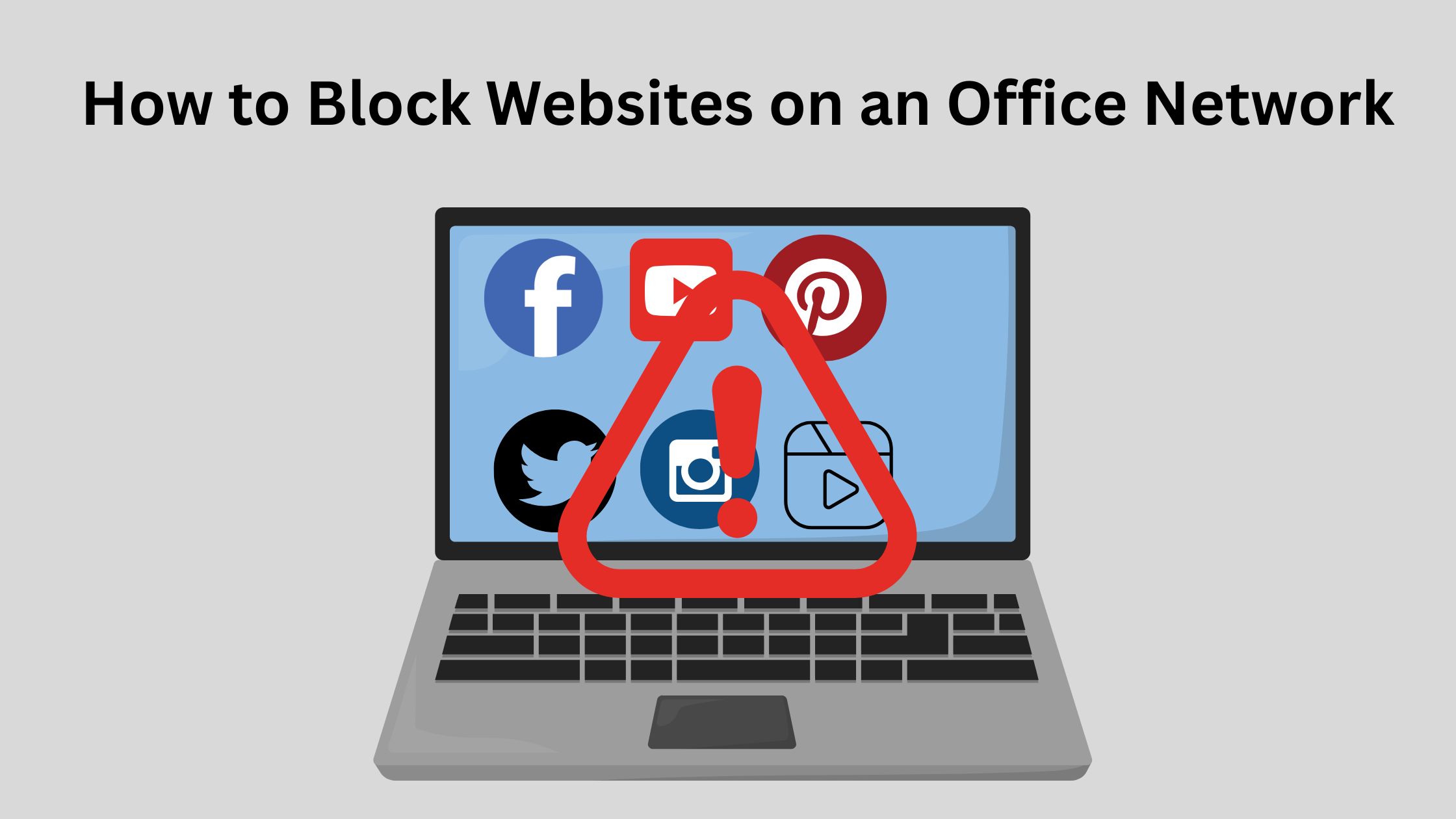
Blocking unwanted websites on your office network helps maintain productivity and secure the network. You can block sites using several methods depending on your setup:
- Router or Firewall Blocking
- Access your network router/firewall through its admin panel (usually via a browser, e.g.,
192.168.1.1). - Navigate to URL Filtering or Access Control settings.
- Add the websites you want to block (like
facebook.com,youtube.com) to the block list. - Save and apply changes — all connected devices will follow these rules.
- Access your network router/firewall through its admin panel (usually via a browser, e.g.,
- DNS-Level Blocking (e.g., using OpenDNS)
- Sign up for OpenDNS (or similar service).
- Configure your office network to use OpenDNS IP addresses (in router settings).
- From the OpenDNS dashboard, you can block specific categories or websites easily.
- This method is very reliable and applies across all devices automatically.
- Firewall Rules (Advanced)
- If you use a dedicated firewall (e.g., pfSense, FortiGate, Sophos), you can create custom rules:
- Block traffic to specific domains or IP addresses.
- Restrict entire categories like “Social Media” or “Streaming.”
- Apply different rules for different user groups (e.g., admin, employees).
- If you use a dedicated firewall (e.g., pfSense, FortiGate, Sophos), you can create custom rules:
- Local Machine Blocking (Temporary)
- Edit the
hostsfile on each computer to manually redirect certain domains to127.0.0.1. - Example entry in
hostsfile:
- Edit the
127.0.0.1 facebook.com
127.0.0.1 www.facebook.com
This is not scalable for large offices but can be used for individual machines.