

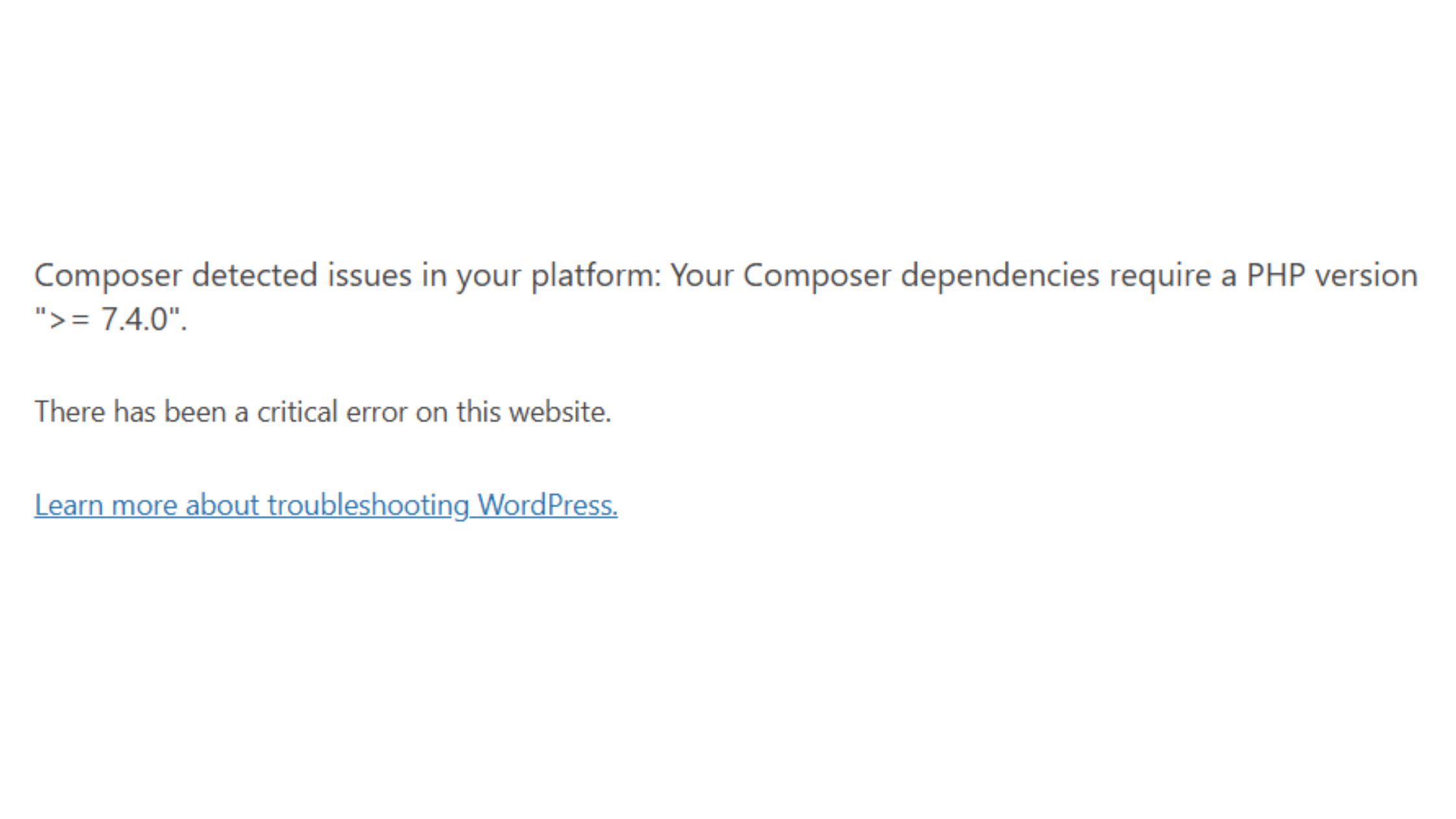
Composer detected issues in your platform: Your Composer dependencies require a PHP version “>= 7.4.0”.
This indicates that the server your WordPress site is running on has PHP version lower than 7.4, but the dependencies (either in your WordPress installation or a plugin/theme) require at least PHP 7.4.
There has been a critical error on this website.
This is a generic WordPress error shown when something breaks severely — in this case, likely because the PHP version is too old to support the code.
✅How to Fix It
🔧 Option 1: Upgrade PHP Version (Recommended)
You need to upgrade PHP to 7.4 or higher (PHP 8.0 or 8.1 is often recommended, but check compatibility with your themes/plugins).
If you’re using cPanel:
- Log in to cPanel.
- Go to “Select PHP Version” or “MultiPHP Manager” (varies by host).
- Set your domain’s PHP version to 7.4, 8.0, or higher (as needed).
- Click Apply/Save.
🛠 Option 2: Use CLI (If you have SSH/root access)
If you’re managing the server manually (e.g., VPS or dedicated server):
- Check your current PHP version:
php -v
2. Install or switch to PHP 7.4+:
- For Ubuntu:
sudo apt install php7.4
sudo update-alternatives --set php /usr/bin/php7.4
- For AlmaLinux/RHEL:
dnf module enable php:7.4
dnf install php php-cli php-fpm
3. Restart web server:
sudo systemctl restart apache2 # or nginx/php-fpm, depending on setup
💡 Optional: Composer Check
After fixing PHP version, you may re-run Composer (if you’re using it):
composer install
🧪 Confirm It’s Fixed
- Visit your website.
- If it still fails, enable WordPress debug mode:
Editwp-config.php:
define( 'WP_DEBUG', true );
define( 'WP_DEBUG_LOG', true );
define( 'WP_DEBUG_DISPLAY', false );
Then check wp-content/debug.log for details.