

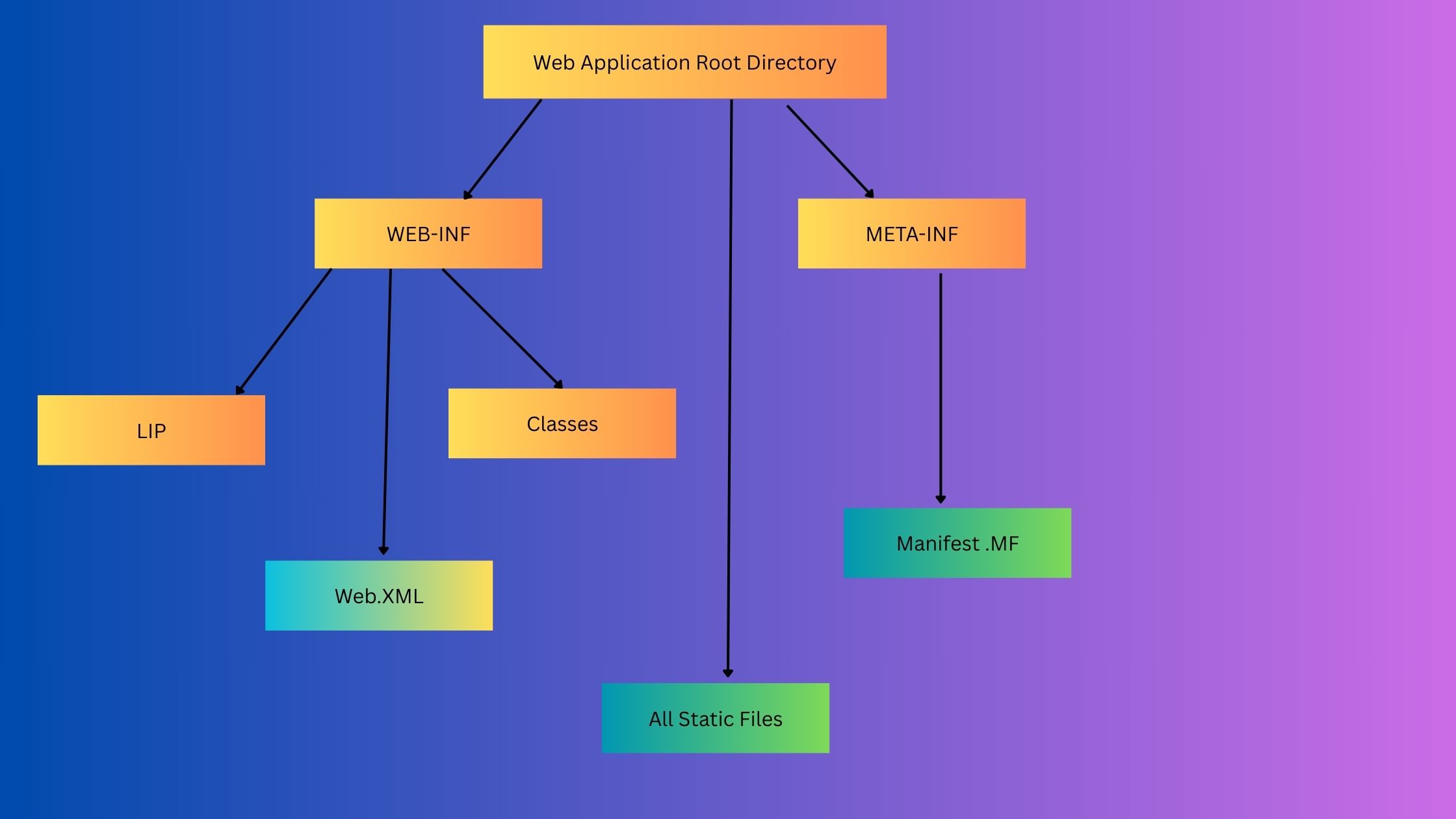
The WEB-INF directory is a private directory in a Java web application that stores key configuration files, class files, and libraries. It sits within the application’s root directory (also known as the document root), which is mapped to the context path of the application.
Unlike other directories, content inside WEB-INF is not publicly accessible via a browser. This makes it ideal for storing resources like JSP files, HTML, and class files that shouldn’t be directly accessed by users.
🔐 Why WEB-INF is Important
- Prevents direct browser access to sensitive resources
- Holds critical configuration and compiled Java code
- Ensures application structure compliance with the Servlet Specification
📁 WEB-INF Directory Structure
/WEB-INF/
├── web.xml # Deployment descriptor (mandatory)
├── classes/ # Compiled Java classes (auto-included in CLASSPATH)
└── lib/ # JAR files for external libraries
web.xml: The heart of a Java web app; it defines servlets, filters, listeners, and welcome pages.classes/: Stores compiled.classfiles and must reflect the package structure.lib/: Contains.jarfiles like JDBC drivers, log4j, or any external dependencies.
📦 Deploying WAR Files
When you deploy a .war (Web Application Archive) file, it auto-expands and follows this directory structure. This standardization allows seamless deployment across any J2EE-compliant server like Apache Tomcat or JBoss.
The WEB-INF directory ensures secure, organized, and efficient management of your Java web application resources. Keeping your config and code here not only protects them but also makes your app portable and scalable.